

Your website is often the first interaction a potential customer has with your business. Before someone calls you, sends an inquiry, visits your store, or makes a purchase, there is a good chance they have already looked at your website.
That means your website is doing much more than simply displaying information. It represents your brand, communicates your value, builds trust, attracts traffic from search engines, and guides visitors toward taking action.
But websites do not stay effective forever.
Design trends change. Search engines evolve. Customers become more demanding. Mobile usage continues to shape how people browse the internet. Security requirements change, technologies become outdated, and competitors improve their online presence.
If your website has not received a meaningful update in several years, 2026 may be the right time to consider a redesign.
A website redesign is not necessarily about making your website look different. A successful redesign should improve the complete digital experience, including design, navigation, performance, accessibility, SEO, content, security, and conversions.
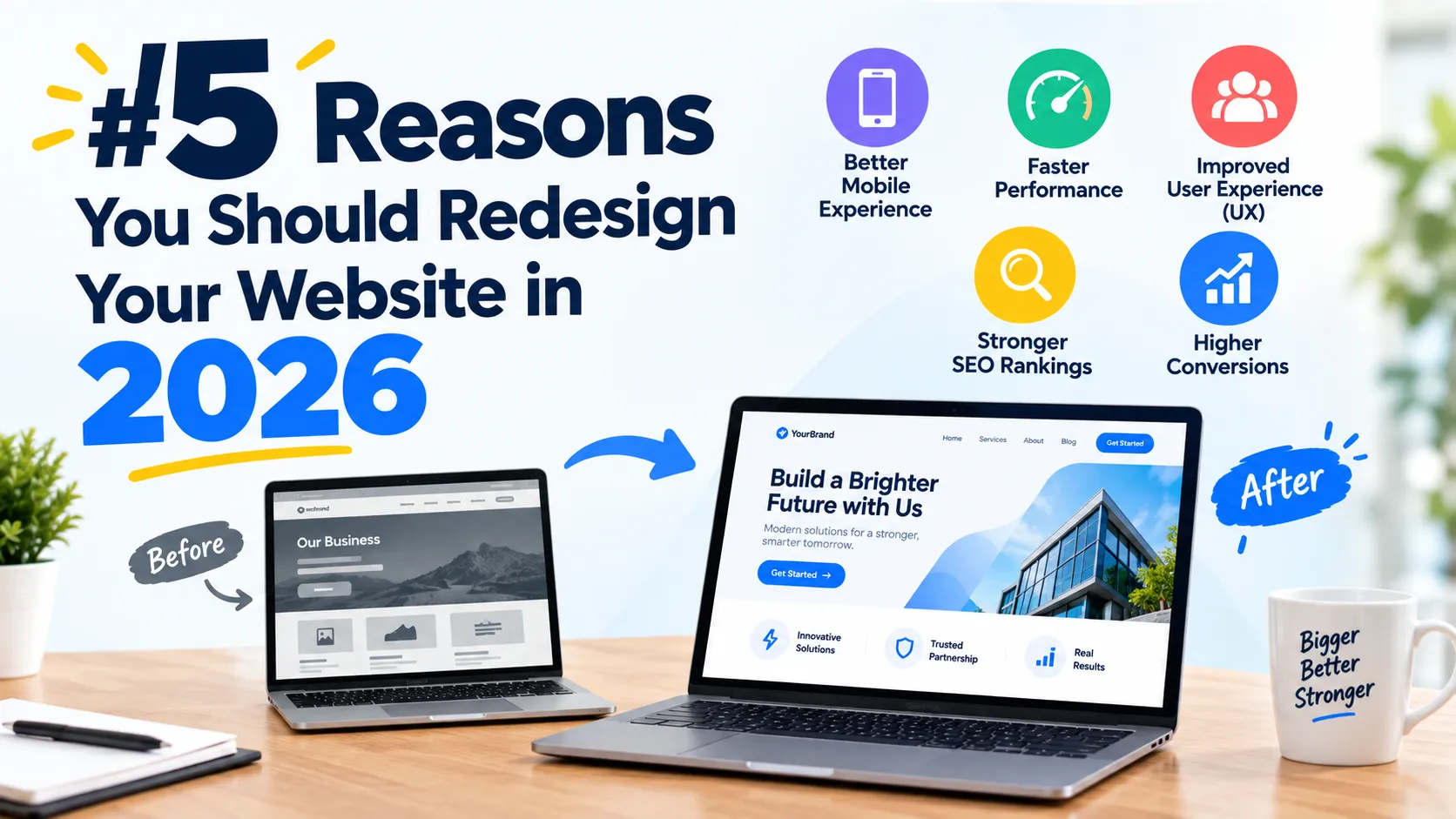
In this article, we will explore five important reasons to redesign your website in 2026 and explain how a modern website can help your business create a better experience for visitors and achieve stronger online results.
What Is a Website Redesign?
Before looking at the reasons, it is important to understand what a website redesign actually means.
A website redesign involves updating or rebuilding significant parts of an existing website to improve its appearance, functionality, performance, usability, and overall effectiveness.
A redesign can involve relatively small changes, such as:
- Updating colors and typography
- Improving page layouts
- Replacing outdated images
- Simplifying navigation
- Updating calls to action
- Improving mobile responsiveness
It can also involve a much larger project, such as:
- Rebuilding the website on a modern CMS
- Changing the website structure
- Migrating to a new theme
- Improving technical SEO
- Reorganizing content
- Improving website speed
- Integrating new marketing or business tools
- Improving security
- Creating a completely new visual identity
The right approach depends on your current website and business objectives.
The important thing is that a redesign should have a purpose. Simply changing the colors, adding animations, or choosing a fashionable design is not enough.
A good redesign should make the website easier to use, easier to find, faster to load, more trustworthy, and better aligned with your business goals.
1. Your Website Looks Outdated
One of the clearest reasons to redesign your website in 2026 is an outdated appearance.
Website design has changed significantly over the years. Modern users generally expect websites to be clean, intuitive, responsive, fast, and easy to navigate.
If your website still looks like it was designed many years ago, visitors may notice immediately.

That does not mean every older website automatically needs to be replaced. A website can remain effective for years if it continues to provide a good user experience and performs well.
However, visual design can influence how visitors perceive a business.
Imagine two companies offering similar services.
The first company has a clean website with clear navigation, professional photography, concise messaging, fast-loading pages, and an obvious way to request a quote.
The second has a cluttered layout, tiny text, outdated graphics, confusing navigation, broken links, and a design that does not work properly on smartphones.
Even if the second company provides excellent services, its website may create unnecessary doubts.
Your Website Represents Your Brand
Your website should reflect the quality and personality of your business.
If you have invested in improving your products, services, branding, customer service, or physical location but your website still looks outdated, there can be a disconnect between your actual business and its online presence.
A redesign gives you an opportunity to bring everything together.
You can update:
- Brand colors
- Fonts
- Photography
- Logos
- Graphics
- Page layouts
- Messaging
- Calls to action
- Testimonials
- Service descriptions
- Company information
The goal should not be to follow every design trend.
Instead, create a design that is modern while remaining useful and consistent with your brand.
First Impressions Matter
People form impressions quickly when visiting websites.
A visitor may subconsciously evaluate questions such as:
- Does this business look professional?
- Is this website trustworthy?
- Can I easily find what I need?
- Does this company understand modern customers?
- Is the information current?
- Can I contact the business easily?
A professional website can make these questions easier to answer.
A Redesign Can Improve More Than Appearance
The biggest mistake businesses make is treating a redesign as a purely visual project.
A good redesign should connect visual improvements with usability.
For example, instead of simply making a homepage more attractive, you can redesign it to answer important questions immediately:
What do you offer?
Who do you help?
Why should someone choose you?
What should the visitor do next?
When design and strategy work together, your website becomes a more useful business asset.
2. Your Website Is Not Providing a Good Mobile Experience
Mobile responsiveness is no longer an optional feature.
People access websites from smartphones and tablets throughout the day. A website that looks great on a desktop computer but performs poorly on a mobile device can create a frustrating experience.
If visitors have to zoom in, scroll horizontally, struggle to click buttons, or wait for oversized images to load, they may leave before interacting with your business.
This is one of the strongest reasons to consider a website redesign in 2026.
Responsive Design Should Be a Priority
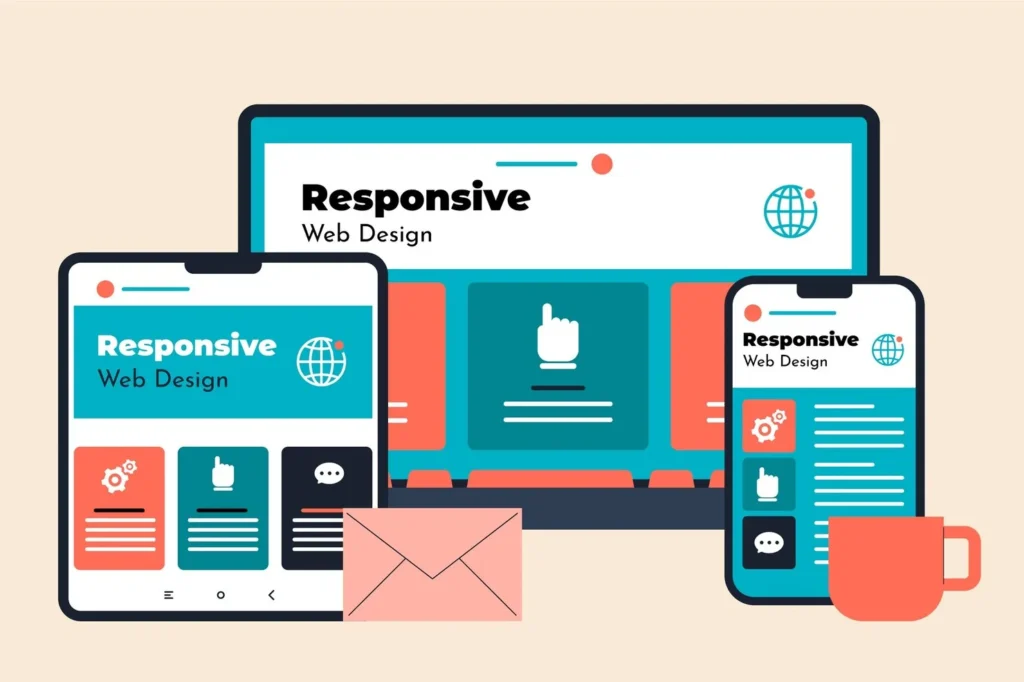
A responsive website adjusts its layout according to the visitor’s screen size.
That means your website should work comfortably on:
- Smartphones
- Tablets
- Laptops
- Desktop computers
- Large monitors
Responsive design can affect almost every part of the website.
Navigation needs to work on smaller screens. Buttons need to be easy to tap. Text needs to remain readable. Images need to resize correctly. Forms need to be usable without unnecessary scrolling.
Mobile UX Goes Beyond Screen Size
A mobile-friendly website is not simply a smaller version of your desktop website.
Mobile users often interact with websites differently.
For example, a mobile visitor may want to:
- Call your business
- Get directions
- Submit a quick form
- Read a short answer
- Check pricing
- View a service
- Make a purchase
- Send a message
Your redesign should consider these actions.
If your primary goal is generating leads, for example, the mobile experience should make contacting you simple.
Instead of hiding your contact information deep inside the navigation, you could provide clear calls to action throughout important pages.
Simplify Mobile Navigation
Complex navigation can be particularly frustrating on smartphones.
During a redesign, review your navigation and ask:
Does every menu item need to be there?
Can visitors understand the categories immediately?
Can users reach important pages in a few clicks?
Is the contact or conversion action easy to find?
Removing unnecessary navigation items can make the entire website easier to use.
Mobile Performance Matters Too
A website can technically be mobile-responsive and still provide a poor mobile experience.
Large images, unnecessary scripts, excessive animations, poorly optimized plugins, and inefficient code can all contribute to slower pages.
A redesign gives you an opportunity to review the technical foundation of the website rather than simply changing its appearance.
3. Your Website Is Hurting Your SEO and Search Visibility
Search engine optimization is another major reason to redesign your website.
SEO is not only about inserting keywords into blog posts.
Modern SEO involves many aspects of a website, including:
- Content quality
- Website structure
- Page experience
- Mobile usability
- Internal linking
- Metadata
- Technical performance
- Crawlability
- Indexability
- Image optimization
- Structured data
- Site architecture
- User experience
If your website was built without SEO considerations, a redesign can provide an opportunity to fix structural problems.

Outdated Website Structures Can Create SEO Problems
Older websites sometimes have problems such as:
- Duplicate pages
- Missing title tags
- Poor heading structures
- Broken links
- Thin content
- Orphan pages
- Incorrect redirects
- Unoptimized images
- Confusing URL structures
- Poor internal linking
- Pages that should no longer be indexed
A redesign provides an opportunity to audit these issues.
However, it is important to be careful.
A website redesign can also damage SEO if it is handled incorrectly.
Protect Your Existing SEO During a Redesign
Before launching a redesigned website, create a list of important existing URLs.
You should identify pages that currently receive:
- Organic traffic
- Backlinks
- Search impressions
- Leads
- Sales
- Important rankings
If URLs change, appropriate redirects should be implemented.
You should also review:
- XML sitemap
- Robots.txt
- Canonical URLs
- Meta titles
- Meta descriptions
- Heading structure
- Internal links
- Image alt text
- Schema markup
- Indexing settings
A redesign should ideally improve your technical foundation rather than erase years of accumulated SEO value.
Use Rank Math Strategically
If you are using Rank Math on WordPress, your redesign is a good opportunity to review your SEO settings rather than simply relying on the plugin’s score.
Rank Math can help you manage important SEO elements such as titles, descriptions, sitemaps, redirects, schema, and other optimization features.
But remember that an SEO plugin score is not the same thing as search engine rankings.
The goal should be to create genuinely useful pages that satisfy search intent while maintaining strong technical foundations.
Improve Your Site Architecture
A redesign can also help you create a clearer website structure.
For example, a service business might organize its website like this:
Home → Services → Individual Service → Supporting Resources → Contact
An ecommerce business may use:
Home → Category → Subcategory → Product
A content website may use:
Home → Topic → Subtopic → Article
A logical structure makes it easier for users and search engines to understand how your content is organized.
Improve Internal Linking
Internal links are another area that is often neglected.
When redesigning your website, identify opportunities to connect related pages.
For example, a page about website design could link naturally to:
- Website development
- SEO services
- Website maintenance
- Conversion optimization
- Website speed optimization
This helps users discover relevant information and gives search engines additional context about the relationships between your pages.
4. Your Website Is Slow and Hurting the User Experience
Website speed is one of the most important technical considerations when evaluating an existing website.
People generally do not want to wait for pages to load.

A visitor who encounters a slow website may abandon the page before reading your content or completing a form.
Slow performance can happen for many reasons.
Common causes include:
- Large images
- Poorly optimized videos
- Too many plugins
- Unnecessary JavaScript
- Bloated themes
- Poor hosting
- Third-party scripts
- Excessive tracking tools
- Unoptimized databases
- Lack of caching
- Poorly implemented animations
Sometimes these problems can be fixed without rebuilding the entire website.
However, if your website has accumulated years of plugins, custom code, outdated themes, and unnecessary functionality, a redesign may be a practical opportunity to clean up the technical foundation.
Start With a Performance Audit
Before rebuilding everything, test your current website.
Look at important pages such as:
- Homepage
- Main service pages
- Product pages
- Blog articles
- Contact page
- Landing pages
Do not focus exclusively on the homepage.
Visitors can enter your website through almost any indexed page, particularly when you publish content designed to attract organic search traffic.
Optimize Images
Images are often one of the easiest performance improvements.
During a redesign:
- Resize images to appropriate dimensions
- Compress large files
- Use modern image formats where appropriate
- Avoid uploading unnecessarily huge photographs
- Use descriptive filenames
- Add meaningful alt text where appropriate
- Implement lazy loading when suitable
A beautiful website does not need enormous image files.
Reduce Unnecessary Functionality
Every plugin, script, integration, animation, and external service can potentially add complexity.
During a redesign, ask whether each feature is genuinely necessary.
For example:
Do you need five plugins to accomplish something that one well-maintained solution can handle?
Does every animation improve the user experience?
Are all third-party scripts necessary?
Are there old integrations that are no longer being used?
Removing unnecessary elements can make a website easier to maintain as well as potentially improving performance.
Performance Is Part of the Overall Experience
Website speed should not be considered separately from design.
A visually impressive website that takes too long to become usable may not provide a good experience.
The best modern websites balance:
Design + Content + Performance + Usability
That combination should be one of the primary goals of a website redesign in 2026.
5. Your Website Is Not Converting Visitors Into Customers
Perhaps the most important reason to redesign your website is that it is not producing the business results you need.
Traffic alone does not guarantee success.
You could receive thousands of visitors every month and still generate relatively few inquiries or sales if your website does not guide visitors toward meaningful actions.
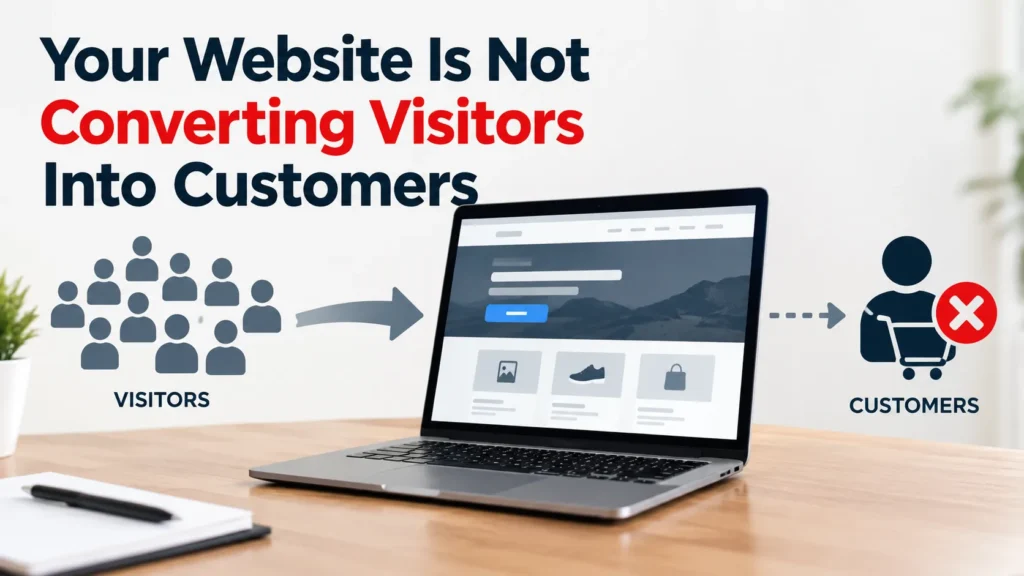
This is where conversion-focused website design becomes important.
What Is a Conversion?
A conversion is an action that is valuable to your business.
Depending on your website, that might be:
- Completing a purchase
- Submitting a contact form
- Requesting a quote
- Booking an appointment
- Calling your business
- Signing up for an email list
- Downloading a resource
- Creating an account
- Starting a free trial
Your redesign should begin by identifying the actions that matter most.
Make Your Calls to Action Clear
A common website problem is that visitors do not know what to do next.
A page might contain excellent information but provide no clear next step.
A strong call to action could be:
Request a Free Consultation
Get a Quote
Book an Appointment
View Our Services
Start Your Free Trial
Contact Our Team
The appropriate CTA depends on your business.
The important point is that the visitor should not have to figure out what to do next.
Improve Your Website’s Content
Website redesigns are a great opportunity to review your copy.
Ask yourself:
- Is the homepage focused on the customer’s needs?
- Are your services explained clearly?
- Does each important page have a specific purpose?
- Are your benefits easy to understand?
- Are your contact details easy to find?
- Are your FAQs answering real customer questions?
- Are your testimonials current?
- Is your pricing information clear where appropriate?
Avoid filling pages with unnecessary marketing language.
Your content should communicate useful information quickly.
Build Trust
People may hesitate to contact or purchase from a business they do not trust.
Your website can include trust-building elements such as:
- Customer testimonials
- Case studies
- Reviews
- Certifications not add trust signals simply because they look good. Every element should provide genuine information
- Awards
- Client logos where permitted
- Guarantees where genuinely offered
- Clear contact information
- Company information
- Professional photography
- Secure payment options
- Frequently asked questions
These elements should be authentic and relevant.
Do not add trust signals simply because they look good. Every element should provide genuine information that helps visitors make an informed decision.
How to Know If You Actually Need a Website Redesign
Not every website needs a complete rebuild.
Before investing in a redesign, evaluate your current website.
You may want to consider a redesign if several of the following statements are true:
- Your website looks significantly outdated.
- Your website does not work properly on mobile devices.
- Visitors struggle to find important information.
- Your pages load slowly.
- Your website has technical SEO problems.
- Your navigation is confusing.
- Your content is outdated.
- Your branding has changed.
- Your website is difficult to update.
- Your CMS or theme is outdated.
- Your conversion rates are lower than expected.
- Your website does not reflect the quality of your business.
- Your competitors provide a noticeably better digital experience.
- Your website has accumulated unnecessary plugins or code.
- You have difficulty tracking important conversions.
If many of these issues apply to your website, a redesign could be worth exploring.
Website Redesign vs. Website Refresh: What’s the Difference?
It is also important to understand that redesigning a website does not always mean rebuilding everything.
A website refresh usually involves smaller changes.
For example:
- New colors
- Updated fonts
- New images
- Updated content
- Improved buttons
- Minor layout changes
A website redesign generally involves more significant changes to the website’s structure, design, functionality, and user experience.
A website rebuild may involve changing the underlying technology, CMS, theme, codebase, or architecture.
The right option depends on your current website.
If the underlying technology is still solid, a refresh may be enough.
If the structure, performance, UX, SEO, and technology all have significant problems, a larger redesign or rebuild may make more sense.
What Should You Include in a Website Redesign?
A successful redesign should look beyond visual appearance.
Consider reviewing the following areas.
1. Website Strategy
Define what you want the website to accomplish.
Do you want:
- More leads?
- More sales?
- More organic traffic?
- More bookings?
- Better customer support?
- Stronger brand awareness?
Your goals should influence every design decision.
2. User Experience
Review how easily visitors can move through the website.
Make important information easy to find and reduce unnecessary steps.
3. Content
Remove outdated content and improve pages that no longer accurately represent your business.
Create content around questions and topics that are genuinely useful to your audience.
4. SEO
Review your existing SEO before changing URLs, page structures, metadata, or content.
Protect valuable pages and backlinks during migration.
5. Mobile Experience
Test your pages on multiple screen sizes.
Make buttons, menus, forms, images, and text easy to use on smaller screens.
6. Performance
Optimize images, scripts, plugins, caching, hosting, and other technical components that affect performance.
7. Accessibility
Make the website easier to use for people with different abilities.
Consider readable typography, sufficient color contrast, keyboard navigation, meaningful labels, alternative text where appropriate, and clear page structures.
8. Security
Keep WordPress, themes, plugins, PHP, and other components properly maintained.
Remove abandoned plugins and unnecessary software.
Use appropriate authentication and security practices for your website.
9. Analytics
Make sure you can measure important actions.
Your analytics setup should help answer questions such as:
- Where are visitors coming from?
- Which pages attract the most traffic?
- Which pages generate leads?
- Which forms are completed?
- Which channels generate customers?
- Where do visitors leave the website?
Data can help you make better decisions after the redesign launches.
Common Website Redesign Mistakes to Avoid
A redesign can create problems if it is approached without planning.
Changing Everything Without a Strategy
A new design may look attractive but still fail to solve the problems that matter.
Start with goals and data.
Ignoring Existing SEO
Changing URLs, deleting pages, or removing content without considering search traffic can create unnecessary SEO problems.
Create a migration plan before launching.
Focusing Only on Design
A website can be visually impressive and still be difficult to use.
Design should support usability and business objectives.
Adding Too Many Features
More features do not automatically create a better website.
Every feature should have a purpose.
Forgetting Mobile Users
Always evaluate the mobile experience independently.
Do not assume that a desktop design automatically translates well to smartphones.
Not Measuring Results
After launching the redesigned website, monitor its performance.
Track relevant metrics before and after the redesign so you can identify improvements and problems.
How to Plan Your Website Redesign in 2026
A successful website redesign is easier when you divide it into stages.
Stage 1: Audit Your Existing Website
Review:
- Design
- Content
- SEO
- Performance
- Security
- Mobile usability
- Analytics
- Conversions
Document the problems before making changes.
Stage 2: Define Your Goals
Choose measurable objectives.
For example:
- Increase qualified leads
- Improve page performance
- Increase organic traffic
- Improve mobile usability
- Increase contact-form submissions
Stage 3: Review Your Website Analytics
Identify your most important pages.
Do not automatically delete pages that appear to receive little traffic. Some pages may support SEO, conversions, internal linking, or other business objectives.
Stage 4: Plan the New Structure
Create your sitemap and navigation before designing every page.
Determine which pages should remain, which should be updated, and which approach is to evaluate your website based on performance, usability, technology, security, branding, SEO, and business objectives. If the website is still performing well, a complexity of the website. A small business website may require a relatively straightforward redesign, while a large ecommerce website or custom should be consolidated or removed.
Stage 5: Redesign the User Experience
Create layouts that make information easy to understand and actions easy to complete.
Stage 6: Optimize for SEO and Performance
Implement technical SEO, optimize images, improve page performance, and ensure the website can be properly crawled and indexed.
Stage 7: Test Before Launch
Test:
- Forms
- Links
- Navigation
- Mobile layouts
- Desktop layouts
- Images
- Buttons
- Checkout processes
- Contact information
- Redirects
- Analytics
- Search engine indexing settings
Stage 8: Monitor After Launch
The redesign is not finished when the website goes live.
Monitor performance, search traffic, conversions, errors, and user behavior after launch.
Use what you learn to make ongoing improvements.
Final Thoughts: Is 2026 the Right Time to Redesign Your Website?
A website redesign is a significant investment, but an outdated or ineffective website can also have a cost.
Poor mobile usability can frustrate visitors.
Slow pages can create a poor user experience.
Weak navigation can make important information difficult to find.
Outdated content can reduce trust.
Poor technical SEO can limit search visibility.
And unclear calls to action can result in lost opportunities.
The five biggest reasons to consider redesigning your website in 2026 are:
- Your website looks outdated and no longer represents your brand.
- Your mobile experience needs improvement.
- Your website has SEO and structural problems.
- Your website is slow or technically inefficient.
- Your website is not converting enough visitors into customers.
However, the purpose of a redesign should not simply be to have a newer-looking website.
The goal should be to build a website that is useful, fast, accessible, search-friendly, trustworthy, easy to manage, and focused on your business objectives.
If your current website is struggling in several of these areas, 2026 can be a good opportunity to evaluate what needs to change.
Start with an audit. Look at your analytics. Listen to your customers. Review your competitors. Identify the biggest problems and prioritize improvements based on their potential business impact.
A successful website redesign is not about changing everything.
It is about changing the right things for the right reasons.
Frequently Asked Questions About Website Redesign
How often should you redesign your website?
There is no fixed rule that says a website must be redesigned every specific number of years. The better approach is to evaluate your website based on performance, usability, technology, security, branding, SEO, and business objectives. If the website is still performing well, a complete redesign may not be necessary.
How much does a website redesign cost?
The cost varies significantly depending on the size and complexity of the website. A small business website may require a relatively straightforward redesign, while a large ecommerce website or custom web application can require significantly more planning, development, testing, and migration work.
Will redesigning my website improve SEO?
A redesign can create opportunities to improve technical SEO, site structure, performance, mobile usability, content, and internal linking. However, a redesign does quality of that traffic, conversions, user experience, mobile performance, technical health, and business results. If the content, navigation, performance, and usability on smaller screens. Regardless of the design methodology, the finished website should provide a good experience across relevant. Strategy, user experience, content, performance, SEO, accessibility, design, technology, and conversion paths all work together. Start with your business goals and customer needs websites can be redesigned while remaining on WordPress. Depending on the situation, you may update the theme, rebuild templates not automatically improve rankings. Poorly planned migrations can also cause SEO problems, so existing URLs, content, backlinks, redirects, and indexing should be carefully reviewed.
Should I redesign my website if it still gets traffic?
Not necessarily. Traffic is only one measurement. Look at the quality of that traffic, conversions, user experience, mobile performance, technical health, and business results. If the website attracts visitors but fails to turn appropriate visitors into customers, a conversion-focused redesign may be worth considering.
Does a website redesign affect Google rankings?
It can. Changes to URLs, content, site structure, internal links, metadata, technical settings, and other elements can affect organic search performance. Before launching a redesign, create a migration plan and monitor important pages after launch.
Can I redesign my WordPress website without changing WordPress?
Yes. Many WordPress websites can be redesigned while remaining on WordPress. Depending on the situation, you may update the theme, rebuild templates, improve plugins, restructure content, optimize performance, or make custom development changes without moving to a different CMS.
Should I redesign my website or build a new one?
That depends on the condition of your existing website. If the underlying platform, content, URLs, and technical foundation are still suitable, a redesign may be sufficient. If the website has serious structural, technical, security, or architectural problems, rebuilding may be more appropriate.
What should I do before redesign, website speed, mobile usability, security, and customer feedback. This information can help you determine what should be retained, improved, consolidated avoid stuffing the exact phrase into every heading. Add 3–5 relevant internal links to your existinging my website?
Start with an audit. Review analytics, search performance, important URLs, backlinks, conversions, content, technical SEO, website speed, mobile usability, security, and customer feedback. This information can help you determine what should be retained, improved, consolidated, or replaced.
Contact Us Today
Checkout our main services and lets’ start the project.