

Starting a local business is exciting, but having a great product or service is only part of the equation. Today, customers often search online before they decide where to shop, which service provider to contact, or which local company to trust.
That is why a local business website is no longer just an optional marketing asset. Your website can help potential customers understand what you offer, find your location, contact you, learn about your services, read reviews, and ultimately become paying customers.
If you are wondering how to build a local business website, this guide will walk you through everything you need to know—from choosing a domain and building your website with WordPress to optimizing it for local SEO and generating more leads.
The good news is that you do not need a complicated website to get started. You need a website that is fast, trustworthy, easy to navigate, mobile-friendly, and built around your customers’ needs.
Let’s get started.
What Is a Local Business Website?
A local business website is a website designed for a business that serves customers in a specific geographic area.
For example, local businesses can include:
- Restaurants
- Dental clinics
- Law firms
- Real estate agencies
- Plumbers
- Electricians
- Cleaning companies
- Auto repair shops
- Construction companies
- Salons and barbershops
- Marketing agencies
- Local retail stores
- Home service providers
Unlike a website that targets customers worldwide, a local business website usually focuses on attracting customers from specific cities, neighborhoods, regions, or service areas.

For example, a plumbing company may want customers searching for:
“plumber in Dallas”
while a restaurant might target:
“Italian restaurant in Chicago.”
Your website should make it immediately clear what your business does, where you operate, and how customers can contact you.
Why Does a Local Business Need a Website?
You might think that having a Google Business Profile or social media page is enough.
Those platforms are valuable, but they do not replace your own website.
Your website gives you a place where you control the information customers see and where you can explain your products or services in much greater detail.
A professional website can help you:
- Build trust with potential customers
- Explain your services
- Generate phone calls and inquiries
- Collect leads
- Show customer reviews
- Display your work
- Provide business information
- Support your local SEO strategy
- Promote special offers
- Answer frequently asked questions
- Connect with Google Business Profile
- Establish your brand online
A website can also become the central point of your digital marketing strategy.
For example, your Google Business Profile, social media campaigns, Google Ads, and other marketing activities can all send potential customers back to your website.
How to Build a Local Business Website Step by Step
Now let’s look at the practical process of building your website.
1. Choose a Domain Name
The first step is choosing a domain name for your business.
Ideally, your domain should be:
- Short
- Easy to remember
- Easy to spell
- Relevant to your brand
- Professional
- Easy to pronounce
For example, if your company is called “Bright Home Cleaning,” a domain such as:
brighthomecleaning.com
would be easier to remember than a complicated domain containing numbers, hyphens, or unnecessary words.
Try to choose a domain that represents your actual brand rather than stuffing keywords into it.
Your domain name is part of your brand, so think about the long-term value rather than only SEO.
2. Choose WordPress for Your Website
If you are building a website for a local business, WordPress can be a practical option because it gives you flexibility over your design, content, SEO, plugins, and functionality.

With WordPress, you can create:
- Service pages
- Location pages
- Contact forms
- Blog posts
- Portfolio pages
- Testimonials
- Landing pages
- FAQ sections
- Online stores
- Appointment systems
WordPress also gives you access to SEO plugins such as Rank Math, which can help you manage important SEO elements from your WordPress dashboard.
WordPress itself also provides built-in SEO-friendly functionality such as customizable permalinks and sitemaps. WWordPress.org+1
3. Select a Professional WordPress Theme
Your website theme controls much of the visual appearance of your website.
But don’t choose a theme simply because it looks beautiful in a demo.
A good local business theme should be:
- Mobile-friendly
- Fast
- Easy to customize
- Compatible with your plugins
- Accessible
- Professional
- Suitable for your industry
For example, a law firm website should probably have a different visual style from a restaurant website.
The design should match your target audience.
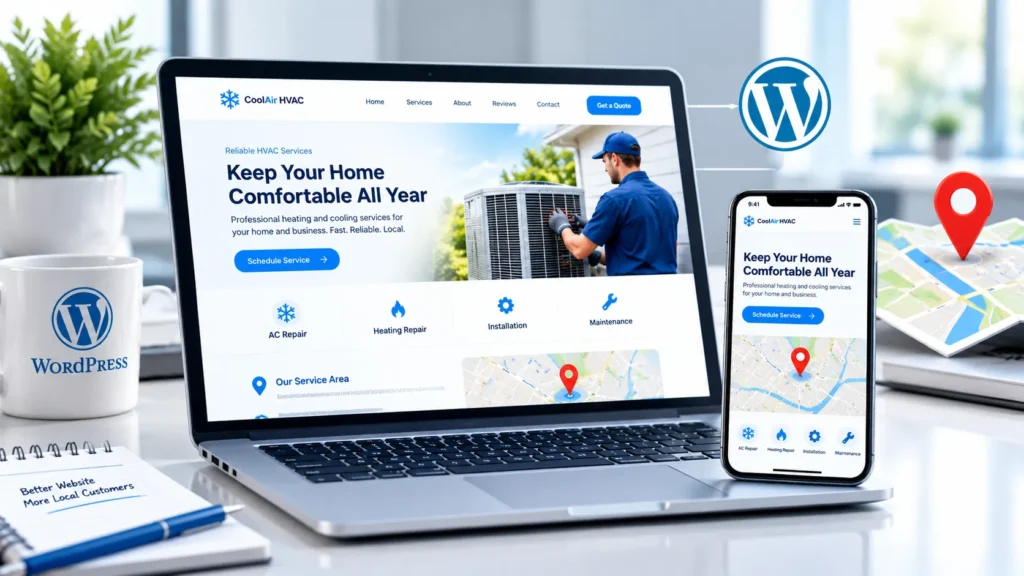
Most importantly, avoid clutter.
Your visitor should understand within a few seconds:
What do you offer?
Where do you operate?
How can I contact you?
4. Create the Essential Website Pages
One of the most important steps when you build a local business website is creating the right pages.
At minimum, most local businesses should consider the following:
Home Page
Your homepage should quickly explain:
- Who you are
- What you offer
- Where you operate
- Why customers should choose you
- How customers can contact you
About Page
Use this page to explain your company, experience, team, values, and background.
Don’t make the About page entirely about yourself.
Explain why your experience matters to the customer.
Services Page
Clearly list your primary services.
For example, a digital marketing agency might offer:
- SEO
- Google Ads
- Web Development
- Social Media Marketing
- Content Marketing
For businesses with multiple important services, individual service pages can provide more detail.
Contact Page
Your contact page should make it extremely easy for customers to contact you.
Include:
- Phone number
- Email address
- Business address
- Contact form
- Opening hours
- Map/location
- Social media profiles where appropriate
Location Page
If your business serves a specific city or physical location, consider creating a useful location page containing accurate information about your service area.
Don’t create dozens of nearly identical city pages just to target keywords. Every location page should provide genuine value to people in that area.
5. Optimize Your Homepage for Local Customers
Your homepage is often the first page potential customers see.
Instead of writing a generic headline such as:
“Welcome to Our Website”
use a clear value proposition.
For example:
Professional Plumbing Services in Austin, TX
Then explain what makes your business different.
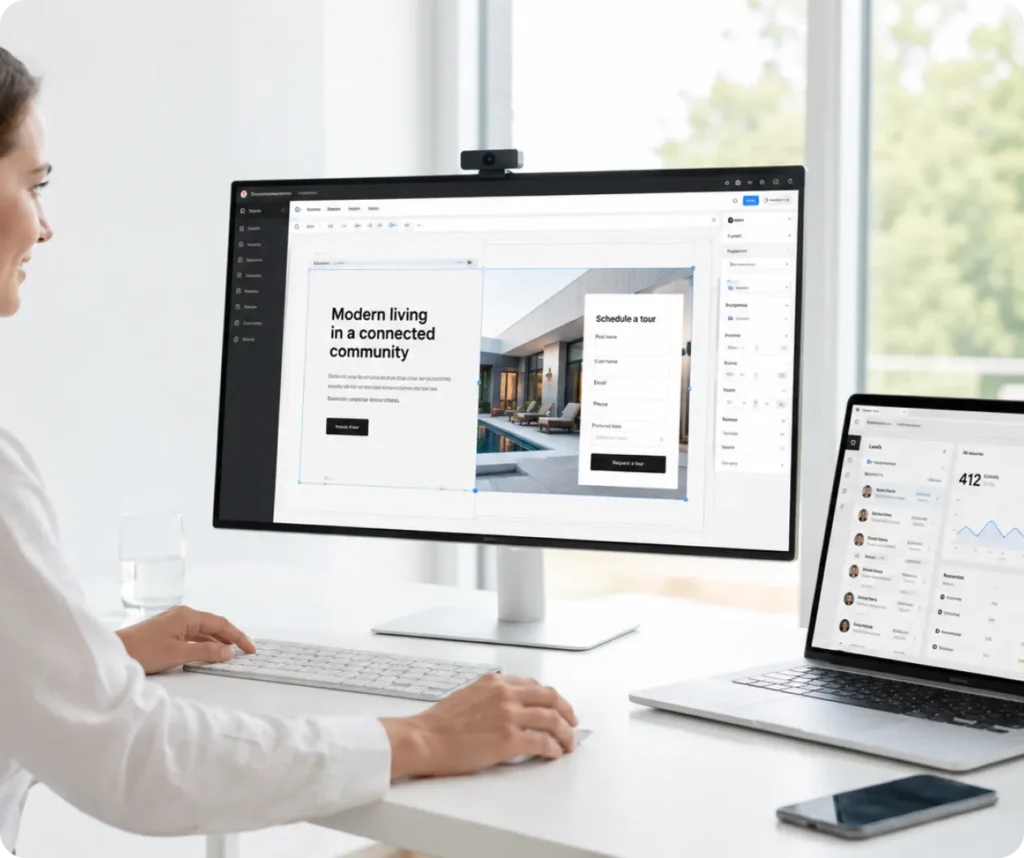
A strong homepage might contain:
- Clear headline
- Short introduction
- Main services
- Benefits
- Customer reviews
- Photos
- Service areas
- Call-to-action
- Contact information
- FAQs
Your primary CTA could be:
Get a Free Quote
or:
Call Us Today
or:
Book an Appointment
The CTA should match your business model.
6. Add Your Business Name, Address and Phone Number
Your local business website should make your business information easy to find.
Make sure your important details are accurate and consistent.
This usually includes:
- Business name
- Address
- Phone number
- Opening hours
- Service areas
If your business has a physical location, clearly display the address where appropriate.
Google recommends keeping Business Profile information complete and accurate because this helps customers understand what the business does, where it is located, and when it is available. GGoogle Help
7. Connect Your Website With Google Business Profile
Having a website is only one part of local search marketing.
You should also claim and manage your Google Business Profile if your business is eligible.
Google says local results are primarily influenced by relevance, distance, and prominence. Complete business information, reviews, links, and other signals can contribute to how a business appears in local search. GGoogle Help
Make sure your profile contains accurate:
- Business name
- Primary category
- Address
- Phone number
- Opening hours
- Website
- Photos
- Services
You should also monitor and respond to customer reviews.
8. Optimize Your Website for Local SEO
A beautiful website won’t help much if potential customers cannot find it.
This is where local SEO comes in.
Your website should clearly communicate your:
Business + Service + Location
For example:
Emergency HVAC Services in Miami
rather than simply:
HVAC Services
You can naturally mention relevant locations in:
- Page titles
- Headings
- Service descriptions
- Content
- Image alt text where appropriate
- URLs
- Internal links
But don’t overuse city names.

Keyword stuffing can make your content difficult to read and does not create a better experience for visitors.
The goal is to make the location relevant and useful—not to repeat it unnaturally.
9. Use Rank Math to Optimize Your WordPress Website
Since you’re using WordPress, Rank Math can help you manage important SEO settings.
For this article, you can enter:
Focus Keyword:
how to build a local business website
Then add relevant secondary keywords naturally throughout the content.
In Rank Math, also optimize:
- SEO title
- Meta description
- URL
- Focus keyword
- Featured image
- Schema
- Internal links
- External links
Don’t worry about achieving a perfect 100/100 score if doing so makes your article unnatural.
The purpose of SEO is not to satisfy a plugin score. The purpose is to create a page that is useful and understandable to both users and search engines.
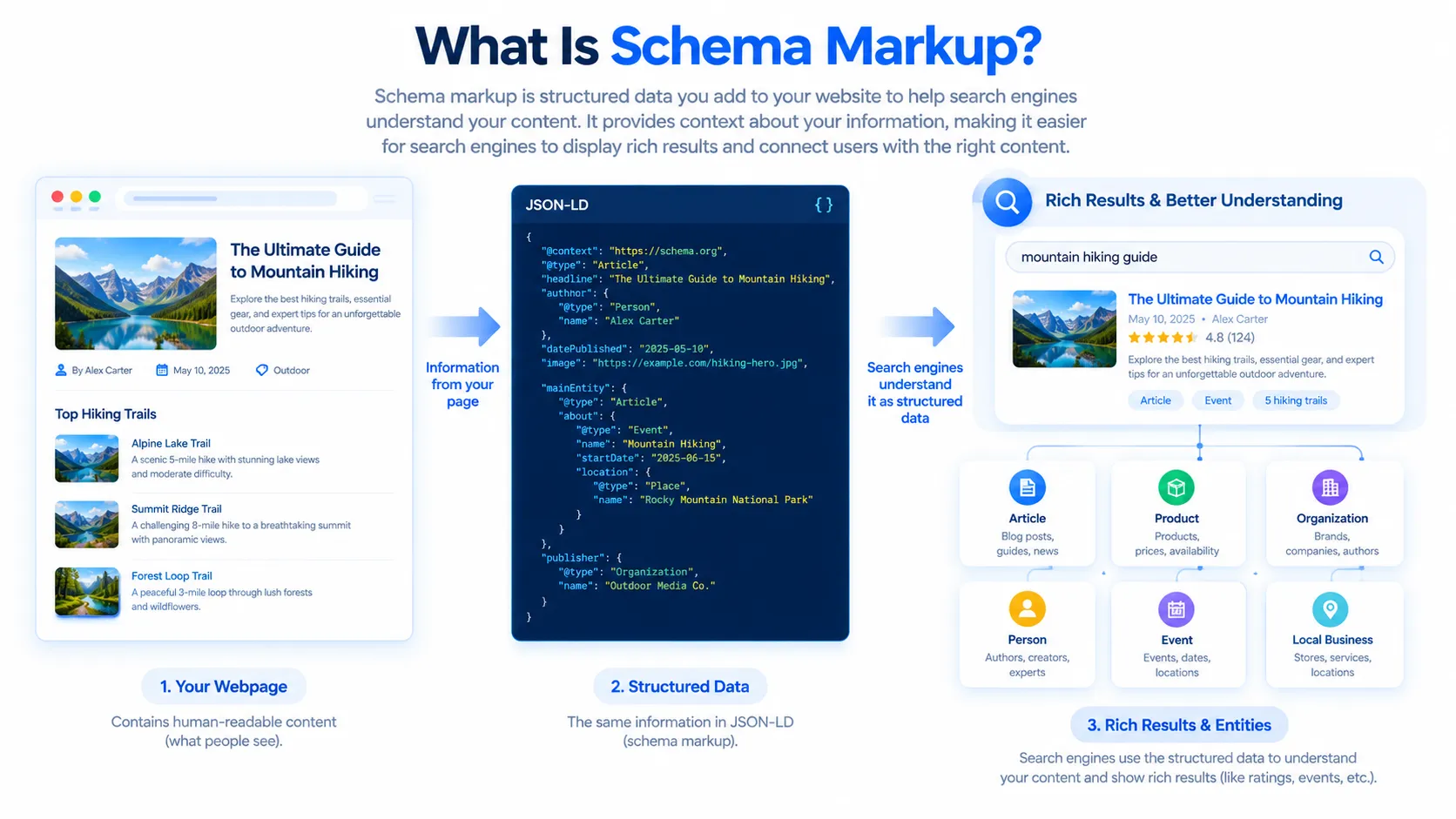
10. Add Local Business Schema
Structured data can help search engines understand important information about your business.
For a local business website, relevant structured data may include information such as:
- Business name
- Address
- Phone
- Opening hours
- Business type
- Website
- Location
Rank Math includes a dedicated Local SEO module that allows businesses to configure local business information and related metadata. RRank Math+1
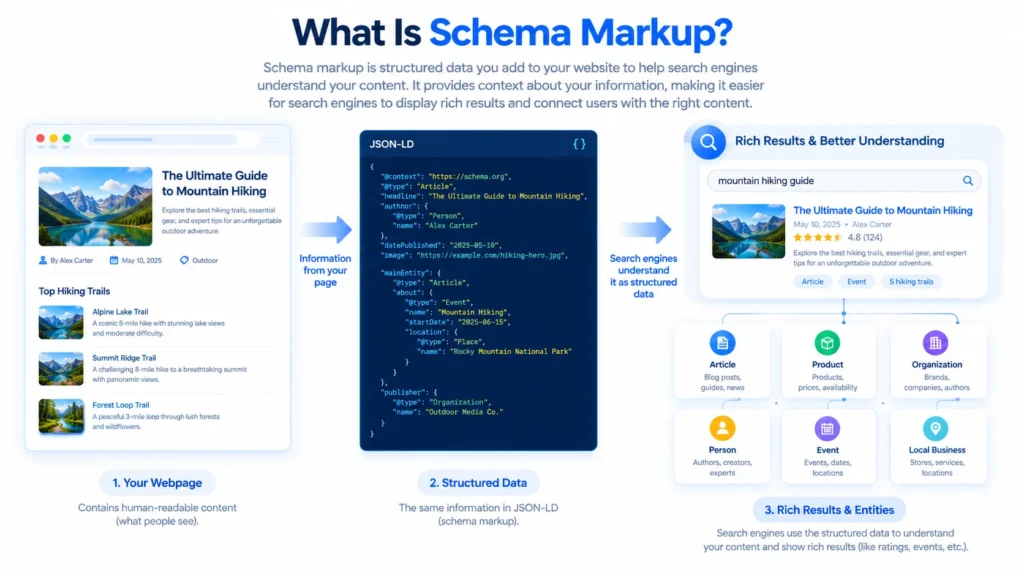
If you have Rank Math configured for a local business, go to the Local SEO settings and enter your actual business information.
Important: Only use information that is accurate and genuinely represents your business.
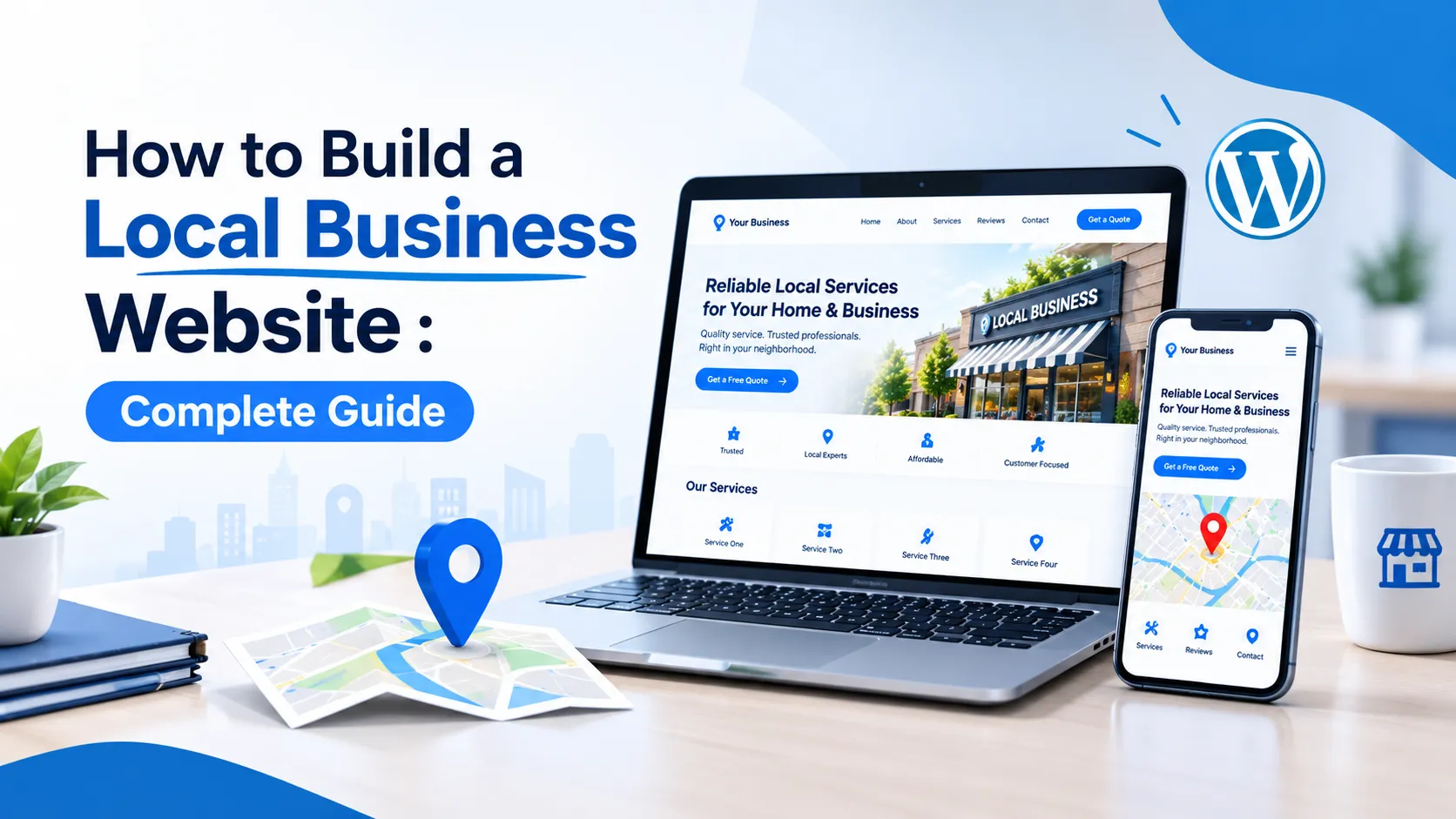
11. Make Your Website Mobile-Friendly
A large percentage of local searches happen on smartphones.
Imagine someone searching for:
“best electrician near me”
while standing outside their home.
They don’t want to open a website that takes forever to load or has tiny text.
Your website should work properly on:
- Smartphones
- Tablets
- Laptops
- Desktop computers
Check your:
- Font size
- Buttons
- Navigation
- Images
- Contact forms
- Phone links
- Page layout
Your phone number should ideally be easy to tap from a mobile device.
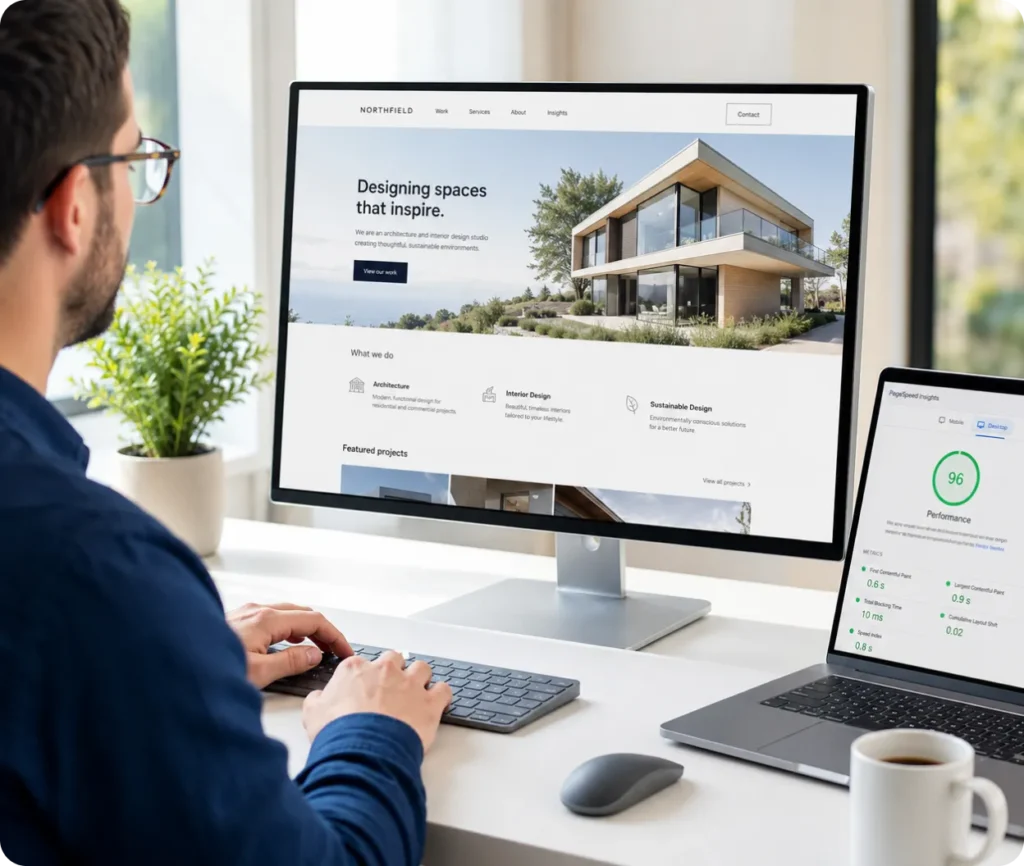
12. Improve Your Website Speed
Website speed affects user experience.
Large images, unnecessary plugins, poor hosting, and excessive scripts can make a WordPress website slower.

To improve performance:
- Compress images
- Use modern image formats when appropriate
- Use caching
- Keep WordPress and plugins updated
- Remove unnecessary plugins
- Choose reliable hosting
- Minimize unnecessary scripts
- Avoid overly complicated page builders where possible
Don’t install dozens of optimization plugins without understanding what they do. Plugin conflicts can create new problems.
13. Add Customer Reviews and Testimonials
Reviews are extremely important for local businesses.
Think about your own behavior.
If you’re looking for a restaurant, dentist, contractor, or mechanic, you probably want to know what other customers experienced.
Add genuine testimonials to your website.
You can create a section such as:
What Our Customers Say
Include real feedback from customers where you have permission to publish it.
You can also encourage satisfied customers to leave reviews on your Google Business Profile.
Google specifically recommends responding to reviews, and notes that positive ratings and reviews can help a business stand out and contribute to local prominence. GGoogle Help
Never create fake reviews.
14. Add High-Quality Images
Images can make your local business website much more trustworthy.
Instead of relying entirely on generic stock images, consider using real photos of:
- Your team
- Your office
- Your store
- Your products
- Your equipment
- Completed projects
- Your work environment
For example, a roofing company can show real before-and-after project photos.
A restaurant can show actual food and its location.
A marketing agency can show its team and office.
Authentic visuals help customers understand that your business is real.
15. Create Service Pages
If you offer several services, don’t put everything on one giant page.
Consider creating dedicated pages.
For example, a local marketing agency might have:
/seo-services//google-ads//web-development//social-media-marketing/
Each page can explain:
- What the service is
- Who needs it
- Your process
- Benefits
- FAQs
- Examples
- Testimonials
- CTA
This creates a better experience for users and gives search engines more specific content to understand.
16. Create Useful Local Content
Your blog can support your local SEO strategy.
Instead of publishing random articles, create content related to your customers’ problems.
For example, a local plumber could publish:
- How Much Does a Plumber Cost in Austin?
- How to Know If Your Water Heater Needs Replacement
- 10 Common Plumbing Problems in Older Homes
- Emergency Plumbing Checklist for Homeowners
A local dentist could publish:
- How Much Does Teeth Whitening Cost in Miami?
- How Often Should You Visit a Dentist?
- What to Do After a Tooth Extraction
The goal is to answer questions your potential customers actually have.
17. Add Clear Calls-to-Action
One common mistake in local business websites is forgetting to tell visitors what to do next.
Don’t make your visitor figure it out.
Use clear CTAs such as:
- Get a Free Quote
- Call Now
- Book an Appointment
- Request a Consultation
- Get Directions
- Contact Us
- Schedule a Service
Place important CTAs throughout the website where they make sense.
18. Build Internal Links
Internal links connect pages on your website.
For example, if your blog article discusses local SEO, you could link to your local SEO service page.
If you are discussing website design, you could link to your web development page.
Internal links help users discover related information and help search engines understand the relationship between your pages.
For a business website, your internal linking structure could look like:
Homepage → Services → Individual Service Pages → Blog Articles
This creates a logical website structure.
19. Add an FAQ Section
FAQs can address common customer concerns before they contact you.
For example:
How much does a local business website cost?
The cost depends on the number of pages, design requirements, functionality, integrations, content, and other factors.
How long does it take to build a business website?
A simple local business website can usually be built much faster than a complex eCommerce or custom web application, but the timeline depends on the project’s requirements.
Do I need SEO for my local business website?
If you want to attract customers through search engines, SEO can be an important part of your online marketing strategy.
Can I update my WordPress website myself?
Yes. WordPress allows business owners and teams to manage and update website content without needing to edit every page manually.
Contact Us on Instagram
20. Track Your Website Performance
Once your website is live, don’t simply leave it alone.
Track important metrics such as:
- Organic traffic
- Search impressions
- Clicks
- Phone calls
- Contact form submissions
- Conversion rate
- Top landing pages
- Popular search queries
Tools such as Google Search Console and Google Analytics can help you understand how people discover and interact with your website.
Over time, this data can help you improve your pages and marketing strategy.
Local Business Website Checklist
Before launching your website, go through this checklist:
- Professional domain name
- Fast WordPress hosting
- Mobile-friendly design
- SSL/HTTPS enabled
- Clear homepage
- About page
- Services pages
- Contact page
- Accurate business information
- Phone number clearly visible
- Contact form working
- Google Business Profile connected
- Local SEO optimized
- Rank Math configured
- Appropriate Schema configured
- Customer reviews/testimonials
- High-quality images
- Clear CTAs
- Internal links
- XML sitemap
- Google Search Console
- Analytics tracking
- Fast loading speed
Common Local Business Website Mistakes to Avoid
Even a professional-looking website can fail to generate customers if you make basic mistakes.
Avoid:
1. Using a confusing homepage
Visitors should immediately understand what you do.
2. Hiding your phone number
If phone calls are important to your business, make your number easy to find.
3. Ignoring mobile users
Always test your website on smartphones.
4. Using fake reviews
Only publish genuine customer feedback.
5. Keyword stuffing
Don’t repeat your city and target keyword dozens of times.
6. Creating thin location pages
Don’t create hundreds of nearly identical pages just to rank for different cities.
7. Using low-quality images
Your website should look trustworthy and professional.
8. Forgetting local SEO
A website without a local search strategy may miss valuable local customers.
9. Having no clear CTA
Tell visitors exactly what they should do next.
Final Thoughts
Learning how to build a local business website doesn’t mean creating the most complicated website possible.
The best local business websites are usually focused on a few important goals:
Be easy to find.
Be easy to trust.
Be easy to navigate.
Make it easy to contact the business.
WordPress makes it possible to create a flexible website that can grow with your business. You can start with a simple website and gradually add service pages, blog content, testimonials, landing pages, booking functionality, and other features as your business grows.
At the same time, local SEO should be part of the strategy from the beginning. Your website, Google Business Profile, reviews, content, and other online signals should work together to help potential customers discover and trust your business.
If you’re building a local business website for the first time, focus on customers first and SEO second. When your website genuinely answers customer questions, clearly explains your services, provides accurate business information, and makes contacting you easy, you have a much stronger foundation for long-term growth.
And if you don’t have the time or technical expertise to build everything yourself, working with a professional web development and digital marketing team can help you create a website that is designed not just to look good, but to generate leads and support your broader marketing strategy.